
 Deutsch
  English
 Webinar
Intelligent P&IDs for Process Engineers – Without CAD
Wednesday, 29 April 2026
02:00 PM – 02:45 PM EST



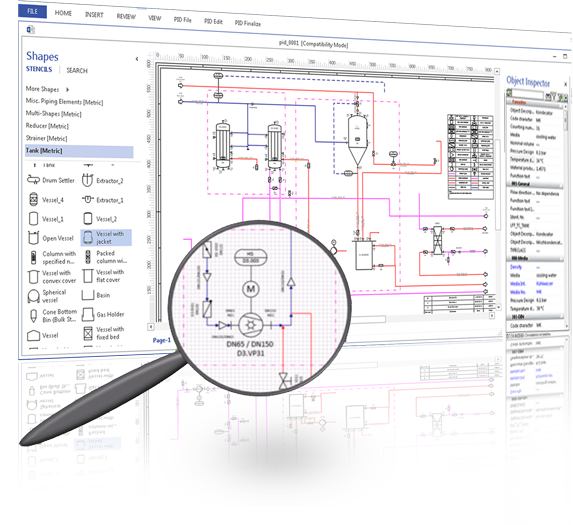




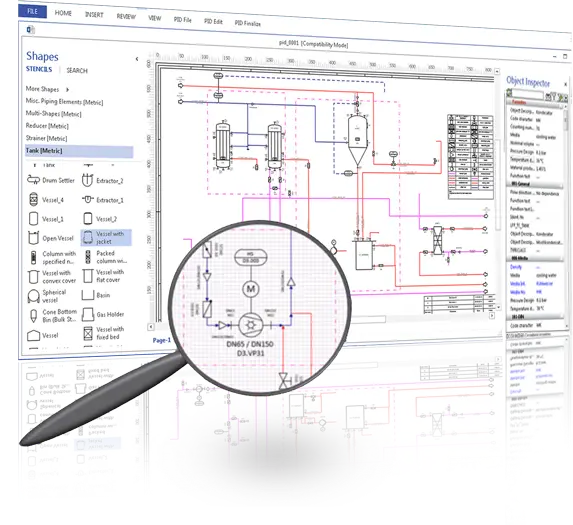








Visio P&ID Process Designer (VPID) simplifies the creation of P&IDs and PFD’s. The object-oriented database technology makes the solution intelligent. Users benefit from automatic functions, integrated document and revision management and a sophisticated report generator. Since the tool is based on Microsoft Visio, it is easy to learn compared to common CAD programs and can be used immediately by you as a user.
Download your free VPID - trial version now! Compatible with MS Visio 2021/2019/2016 (64 Bit) or Visio Online Plan 2 (64 Bit)

 |
Preinstall InformationDownload Now » |
|
Quick Start GuideLearn to use Visio P&ID Process Designer in quick 8 steps Download Now » |
 |
Watch Demo VideoClick to Watch » |
|
For more than 20 years, ITandFactory GmbH, a wholly owned subsidiary of Neilsoft Private Limited, has been one of the largest providers of complete process industry solutions. Our intelligent design solutions have been supporting plant manufacturers worldwide from chemical, pharmaceutical, food, oil and gas industries in project planning and multidisciplinary designing of process engineering plants and their process equipment.
During interaction with our customers and various design and engineering stakeholders, many of them mentioned about the great need for an easy to use, cost effective yet powerful tool for their Pre-bid / Tender/ Proposal / Process and Basic FEED engineering teams who don’t require to use complex CAD systems for deliverables. This led us to develop Visio P&ID Process Designer (VPID), an add-on to Microsoft Visio for quick and easy creation of intelligent PFDs and P&IDs.
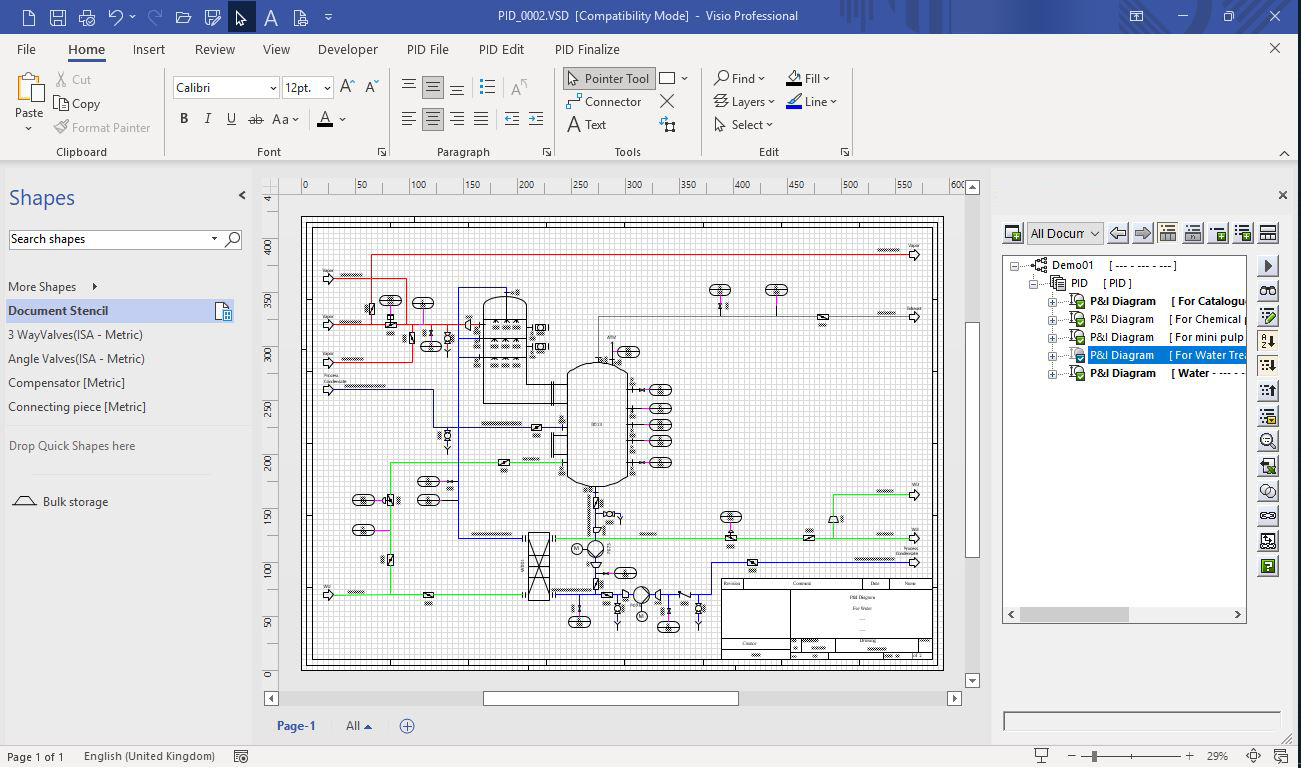
While CAD has its strengths, we find that in many cases, users can perform their work more efficiently and at lower cost if they were to use Visio platform. Of course, it all depends on the scope of work of your organization or team and what you need to do with a graphics system. We are often asked to discuss and highlight the benefits of Visio with respect to popularly used CAD systems available in market. So let us throw some light on some of the key aspects which will help you in making informed decision about how Visio platform can be a perfect solution for your design requirements.
First, the lifetime license cost of Microsoft Visio is almost 40% cheaper compared to annual license cost of the most used CAD Software. In fact, you can have a lifetime license of both the Visio and Visio P&ID Process Designer (VPID) and save lot more money over a longer period.
Secondly, interoperability of documents is not an issue at all, since natively you can easily import CAD files in .dwg or .dxf formats in Visio Plan 2, and with VPID add-on you can export data files in .csv and design files in .vsd(x) and even .dwg or .dxf formats.
Also, Visio provides extensive sets of pre-made symbols and drawing templates at no extra cost. Additionally, with VPID you get intelligent standard libraries for Process Piping (ANSI, ISO 10628, IEC 62424, ISA-5.1) and dynamic symbols with associated attributes and relationships.
Visio is very easy to use, anyone can start working on Visio platform within couple of hours or a day with minimum training.
All in all, only when there are high technical requirements like complex 3D modelling, then CAD systems are better suited. Otherwise for everyone else, Visio has more than enough capability to support the creation of smart and intelligent P&IDs.
So, what are you waiting for? Explore the benefits of Visio platform to create, maintain, and utilize PFD and P&ID diagrams and drawings with free trial of Visio P&ID Process Designer.
Note : VPID is add-on to Microsoft Visio. Check out the System Requirement Here
Visio is a diagramming and vector graphics application. With Visio a user can create flowcharts, org charts, data flow diagrams, process flow diagrams, basic piping & instrumentation diagrams and much more.
Visio was developed by Shapeware Corp in 1990s as a pre-release version 0.92. The Version 1.0 released in 1992. In 1995, Shapeware Corporation changed their name to Visio Corporation to take advantage of market recognition and related product equity. In 2000, Microsoft bought Visio Corporation and made Visio a part of the Microsoft Office family. However, Visio has always been maintained as a stand-alone purchase, separate from the MS Office Suite packages.
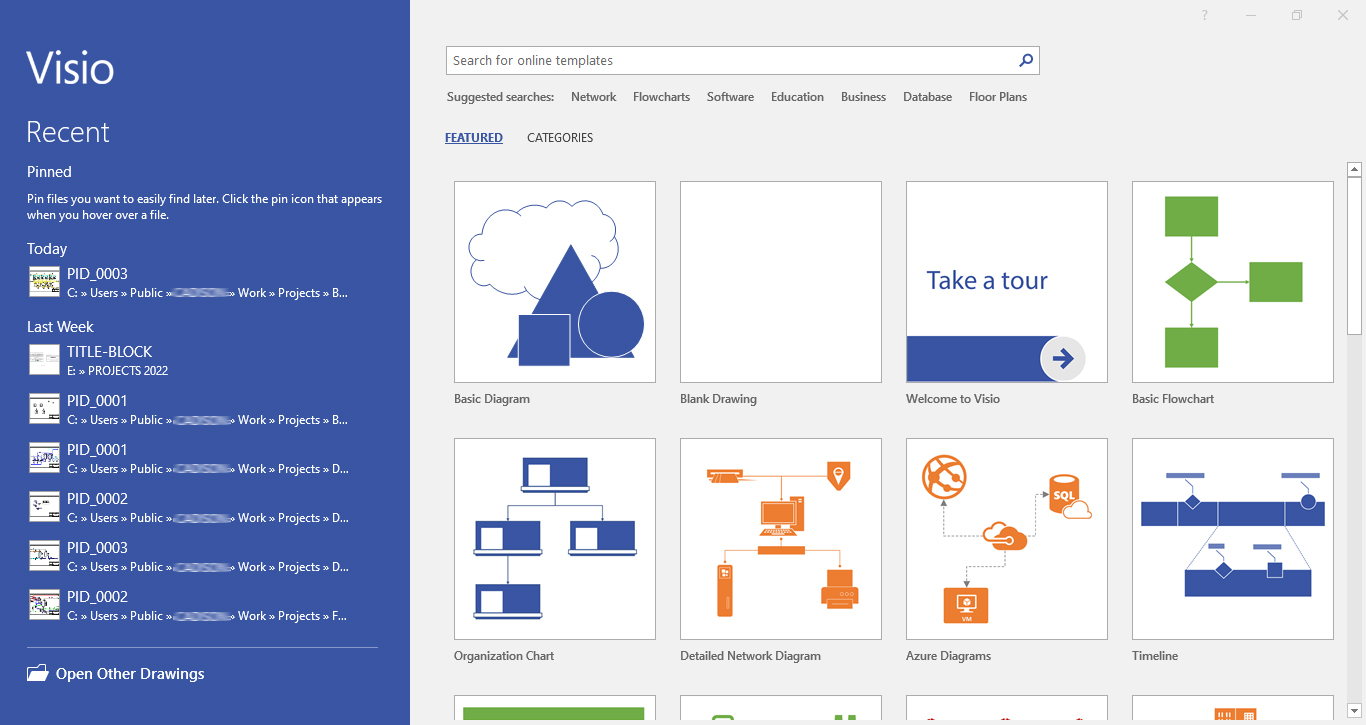
Visio can be used in a variety of settings to create professional-looking diagrams. Below are some of the more popular uses for Visio:
Organizational Charts
An organizational chart, also called organigram, organogram, or organizational breakdown structure (OBS) is a diagram that shows the structure of an organization and the relationships and relative ranks of its parts and positions/jobs
Flowcharts
Flowcharts show a visual sequence of steps and decisions for a process, generally using shapes to show the steps and arrows to show the progression from one step to another. Flowchart is a generic term, and can also include process flows, process maps, work flows and flow diagrams.
Process flow diagram (PFD) illustrates the arrangement of the equipment and accessories required to carry out the specific process, For E.g. Filtration process in an Industrial Plant. A simplest form of the PFD is a block diagram. A detailed PFD provides information on piping, instrumentation, and equipment design and plant layout
A piping and instrumentation diagram (P&ID) is a subordinate to PFD’s and is a detailed diagram in the process industry which shows the piping and process equipment together with the instrumentation and control devices.
Absolutely, you can easily create P&ID’s in Visio environment with Visio P&ID Process Designer (VPID) without the need of costly and complex CAD based systems.
Developed by ITandFactory GmbH, a Silver Partner of Microsoft, with Visio P&ID Process Designer’s smart functionalities and user-friendly features, you can effortlessly create not just intelligent P&ID’s but also share drawing or project data with other teams by exporting data to Microsoft Excel - .xlsx & .csv and designs as .vsd, .dwg or even in pdf formats.
So what are you waiting for? Leverage the power of Visio based, easy-to-use functionalities & object-oriented technology for creating smart & quick P&ID’s. Try the Visio P&ID Process Designer now.
Note : VPID is add-on to Microsoft Visio. Check out the System Requirement Here