
 Deutsch
  English
What is Microsoft Visio?
Visio is a diagramming and vector graphics application. With Visio a user can create flowcharts, org charts, data flow diagrams, process flow diagrams, basic piping & instrumentation diagrams and much more.
Visio was developed by Shapeware Corp in 1990s as a pre-release version 0.92. The Version 1.0 released in 1992. In 1995, Shapeware Corporation changed their name to Visio Corporation to take advantage of market recognition and related product equity. In 2000, Microsoft bought Visio Corporation and made Visio a part of the Microsoft Office family. However, Visio has always been maintained as a stand-alone purchase, separate from the MS Office Suite packages.
What is Visio used for?
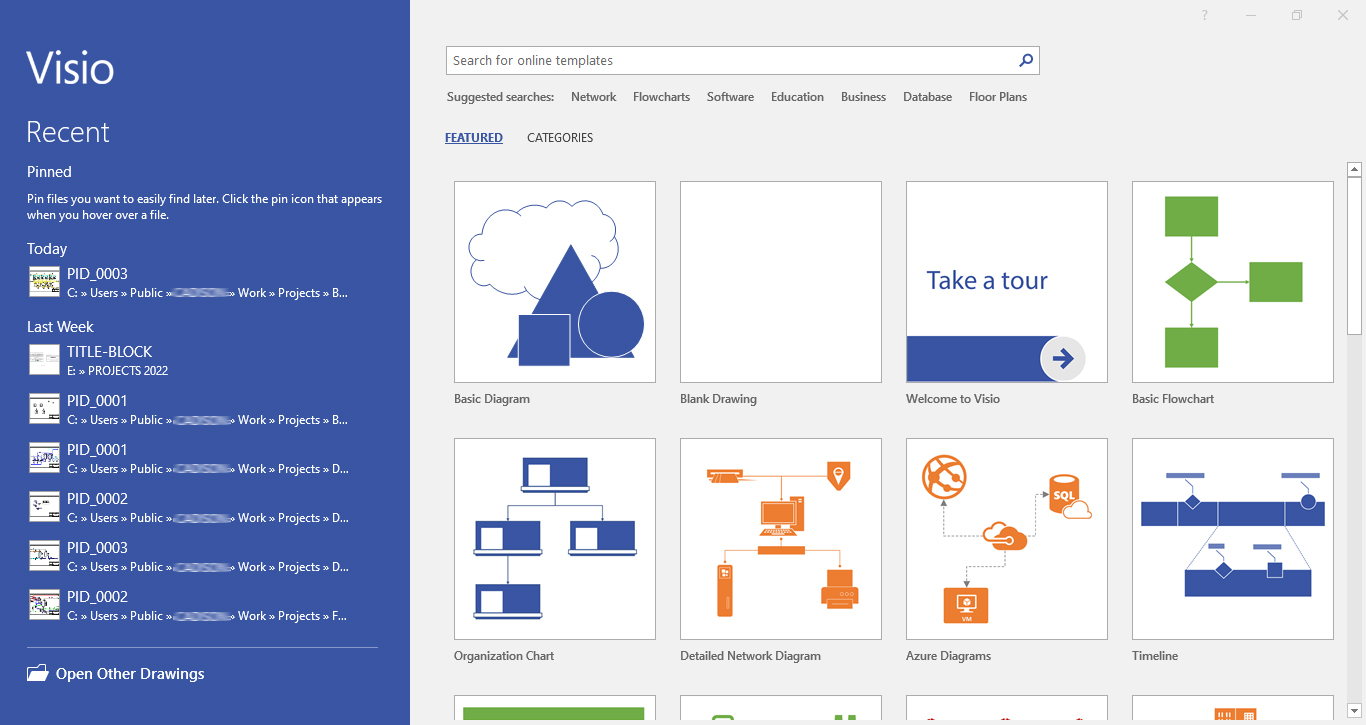
Visio can be used in a variety of settings to create professional-looking diagrams. Below are some of the more popular uses for Visio:
Organizational Charts
An organizational chart, also called organigram, organogram, or organizational breakdown structure (OBS) is a diagram that shows the structure of an organization and the relationships and relative ranks of its parts and positions/jobs
Flowcharts
Flowcharts show a visual sequence of steps and decisions for a process, generally using shapes to show the steps and arrows to show the progression from one step to another. Flowchart is a generic term, and can also include process flows, process maps, work flows and flow diagrams.
Process flow diagram (PFD) illustrates the arrangement of the equipment and accessories required to carry out the specific process, For E.g. Filtration process in an Industrial Plant. A simplest form of the PFD is a block diagram. A detailed PFD provides information on piping, instrumentation, and equipment design and plant layout
A piping and instrumentation diagram (P&ID) is a subordinate to PFD’s and is a detailed diagram in the process industry which shows the piping and process equipment together with the instrumentation and control devices.
Can I create piping and instrumentation diagram (P&ID) in Visio?
Absolutely, you can easily create P&ID’s in Visio environment with Visio P&ID Process Designer (VPID) without the need of costly and complex CAD based systems.
Developed by ITandFactory GmbH, a Silver Partner of Microsoft, with Visio P&ID Process Designer’s smart functionalities and user-friendly features, you can effortlessly create not just intelligent P&ID’s but also share drawing or project data with other teams by exporting data to Microsoft Excel - .xlsx & .csv and designs as .vsd, .dwg or even in pdf formats.
So what are you waiting for? Leverage the power of Visio based, easy-to-use functionalities & object-oriented technology for creating smart & quick P&ID’s. Try the Visio P&ID Process Designer now.
Note : VPID is add-on to Microsoft Visio. Check out the System Requirement Here